Paint Brush
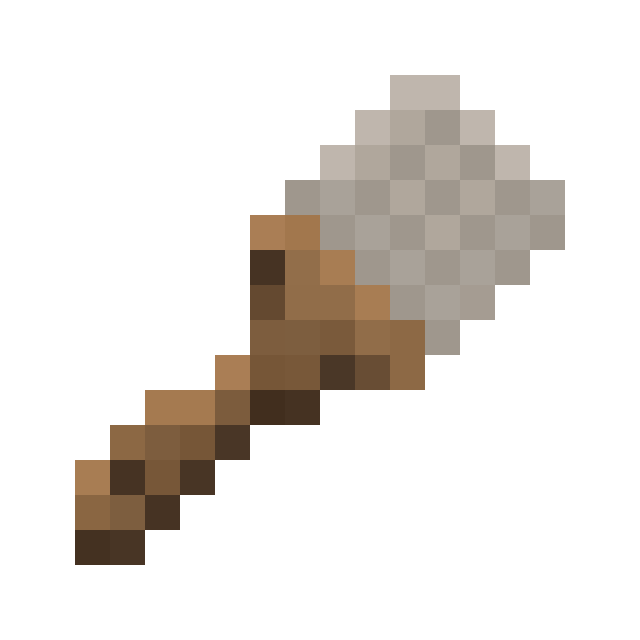
| Stackable | No |
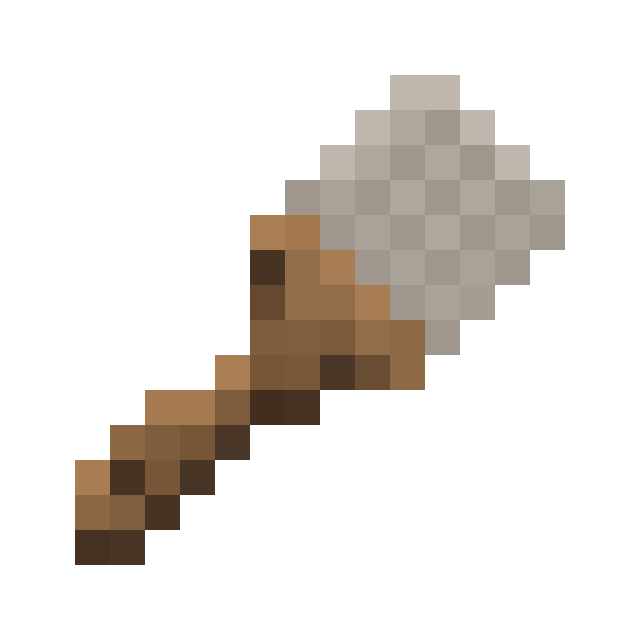
Paint Brush is an item that can be used to paint patterns on Asphalt and Concrete Blocks and Slopes, or apply color to other specific TrafficCraft blocks.
Usage
Right-clicking the air with a Paint Brush opens a GUI, allowing you to select a Road Pattern. This pattern can be applied to any Asphalt and Concrete (Slope).
To apply the pattern to an Asphalt or Concrete (Slope), or to paint other supported Blocks, first you need to apply paint to the Paint Brush by right-clicking it on a Paint Bucket filled with any dye. If the Paint Brush already has color applied, will it be overriden.
A full Paint Brush allows 128 Blocks to be painted.
Right-clicking Asphalt or Concrete (Slopes) will apply the selected pattern. Repeated right-clicking will rotate the pattern by 90° clock-wise.
Other supported TrafficCraft blocks will change parts of their texture to the applied color. See the TrafficCraft/Paintable category for all paintable Blocks.
Obtaining
Crafting
| Ingredients | Crafting recipe |
|---|---|
| Feather + Iron Nugget + Stick |
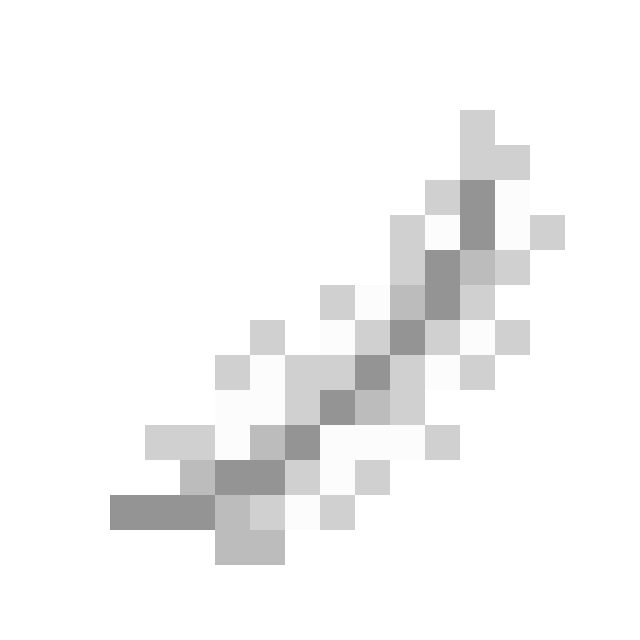
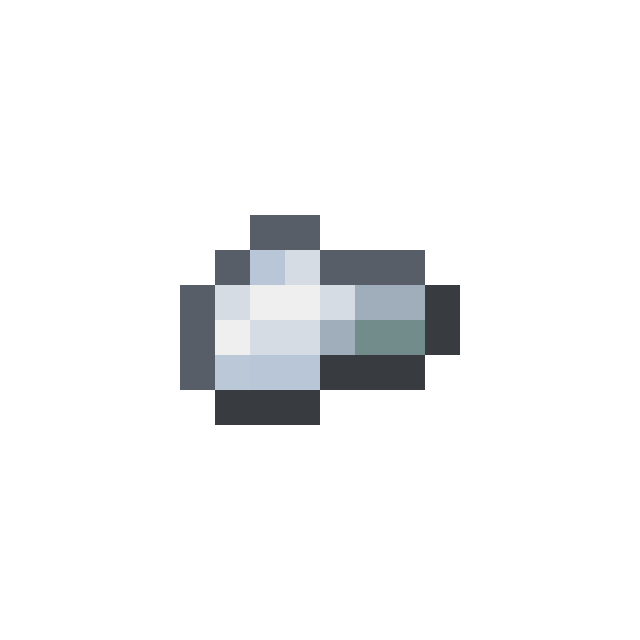
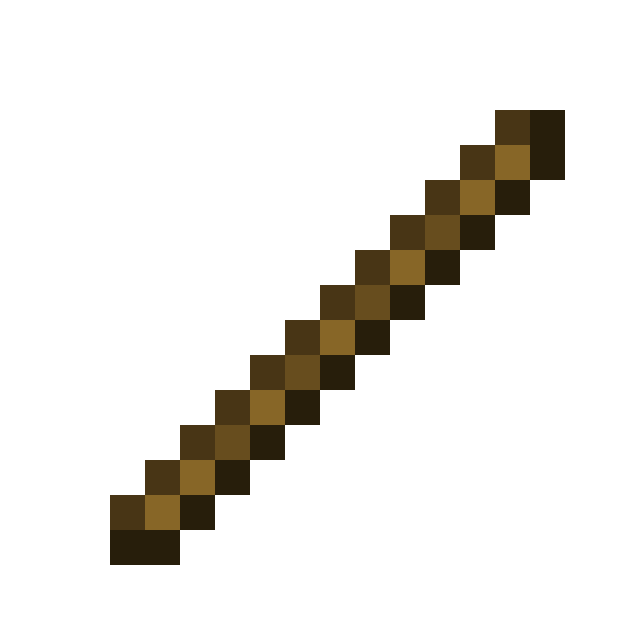

|
Advancements
| Icon | Advancement | In-game description | Actual requirements (if different) |
|---|---|---|---|

|
Street Artist | Paint something on your road using a paint brush. | |
|
This is art | Paint other blocks from TrafficCraft using a paint brush. | Paint a Concrete Barrier, Street Sign, House Number Sign, Traffic Light, Guardrail, any of the Traffic Blocks or a Reflector with the Paint Brush. |