Train Station Clock
Train Station Clock
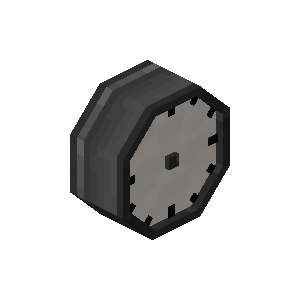
| Stackable | Yes (64) |
| Wrecnhable | Yes |
Train Station Clock is a decorative block that displays the current ingame time.
Usage
Right-clicking the Clock with another Train Station Clock will change its display from a 2-sided Clock to a 4-sided one.
Clicking it with any Dye will change its color while clicking it with a Glow Ink Sac will make the texture emissive. Breaking the clock will remove any color and emissive texture set.
Clicking it with any other item, or an empty hand, displays the current ingame time as an Actionbar text.
Obtaining
Crafting
| Ingredients | Crafting recipe |
|---|---|
| Clock + Iron Sheet + Precision Mechanism |



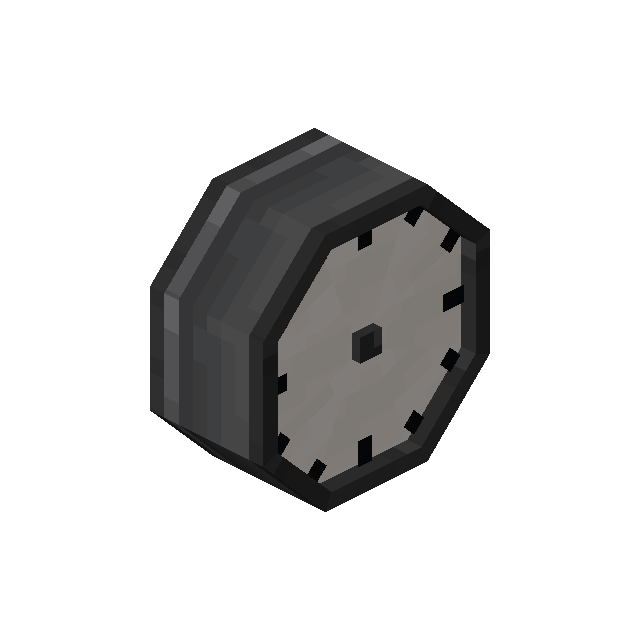

|
History
| Version | Changes |
|---|---|
| 0.4.0-beta | Added Train Station Clock. |
| 0.5.0-beta | Train Station Clock can now be colored and made to glow. |
| 0.5.1-beta | Fixed crash when right-clicking a clock on a server. |
| 0.8.0-beta | New Model and texture for the Station Clock. |
| Added where clicking the clock with another changes the model to show time on all four sides. | |
| Added SHIFT description in the Inventory. | |
| Clocks now always drop themself, even without silk touch. |