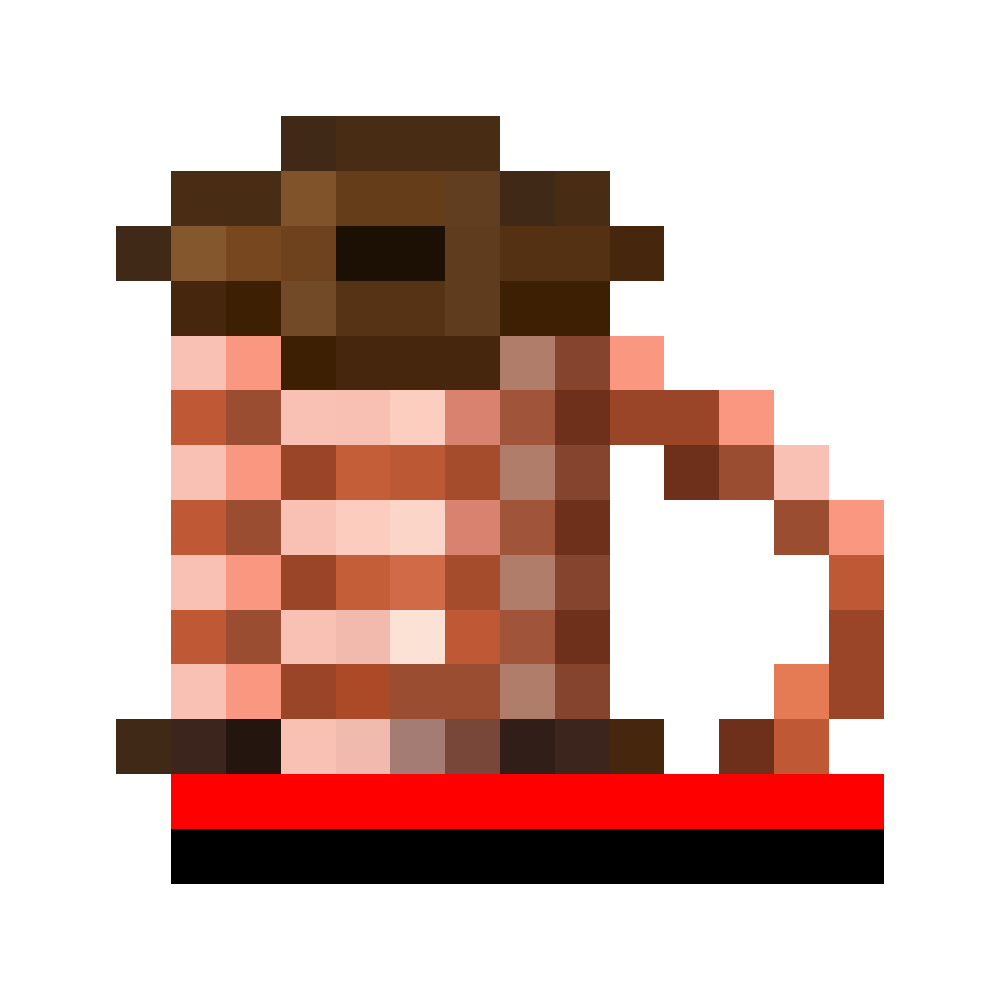
Wire Coil
| Stackable | No |
The Wire Coil item is the basic item for all wire connections. It allows you to place all different types of wires, from catenary wires to the headspan wire.
Usage
Note
Versions before beta-0.2.1 require you to shift-right-click to open the GUI.
Right-click in the air with the item to open a GUI where you can select the wire types. Once you have selected a type, you can place a wire between the connection points (e.g. a connector block for power wires) by clicking on them. Which points those are and how many depend on the selected wire type. If you want to clear your saved connection data, use Shift + right-click in the air.
When placing a wire, the exact amount of wire required for the selected span is deducted. For simple power wires, consisting of a single wire, the length of the connection is deducted from the quota exactly once. For catenary wires, for instance, double that amount is deducted, because two wires are placed. The upper tension wire and the lower contact wire.
Obtaining
Crafting
| Ingredients | Crafting recipe |
|---|---|
| Copper Wire + Empty Wire Coil |

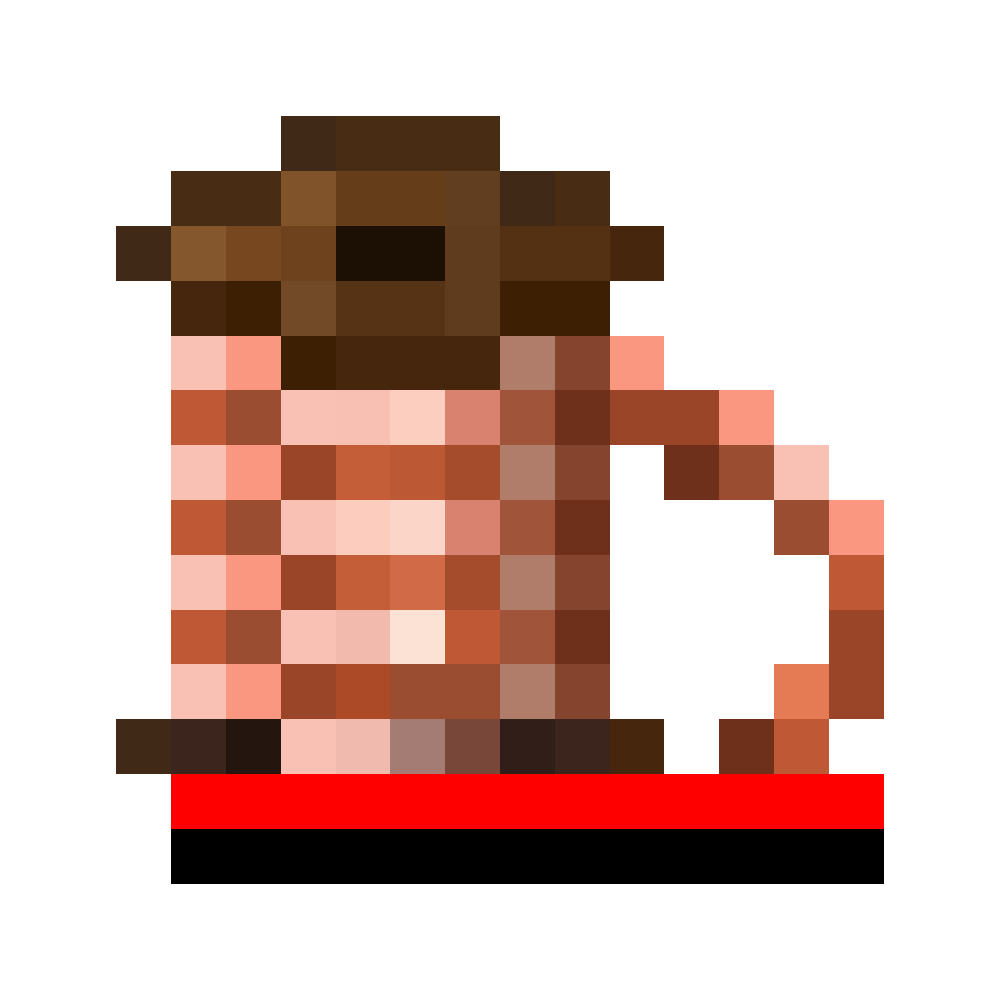

|
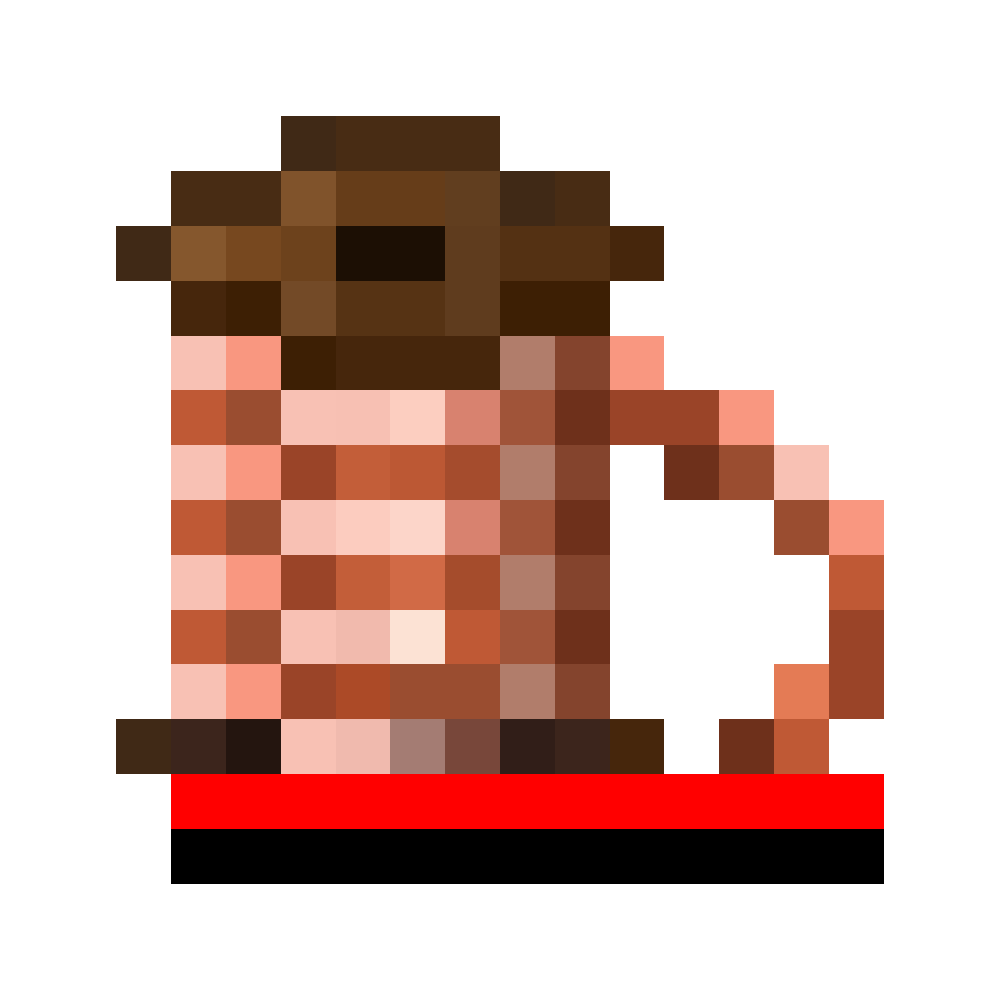
You can also combine multiple used wire coils to reduce the number of items and create a fuller coil. Any number of coils can be combined at once — just as many as the crafting grid allows.
| Ingredients | Crafting recipe |
|---|---|
| Wire Coil + Wire Coil |



|