Advanced Displays
All Advanced Display Blocks redirect to here.
Advanced Displays
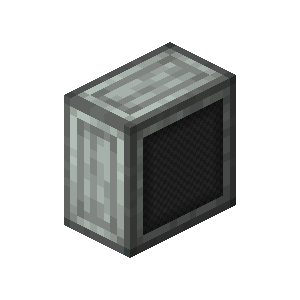
| Stackable | Yes (64) |
| Wrenchable | Yes |
| Copycat Block | Yes |
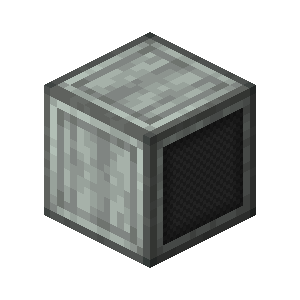
| Stackable | Yes (64) |
| Wrenchable | Yes |
| Copycat Block | Yes |
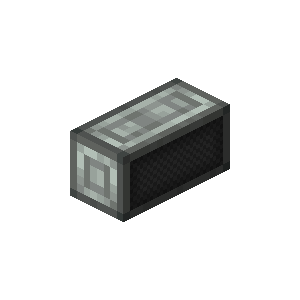
| Stackable | Yes (64) |
| Wrenchable | Yes |
| Copycat Block | Yes |
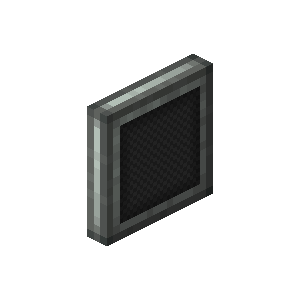
| Stackable | Yes (64) |
| Wrenchable | Yes |
| Copycat Block | Yes |
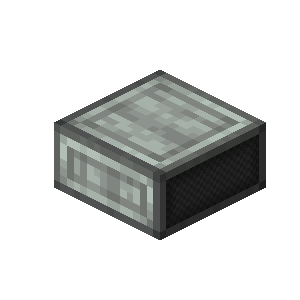
| Stackable | Yes (64) |
| Wrenchable | Yes |
| Copycat Block | Yes |
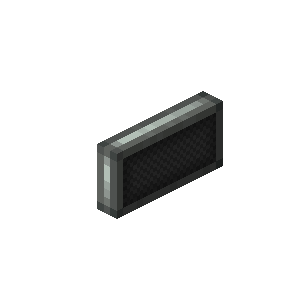
| Stackable | Yes (64) |
| Wrenchable | Yes |
| Copycat Block | Yes |
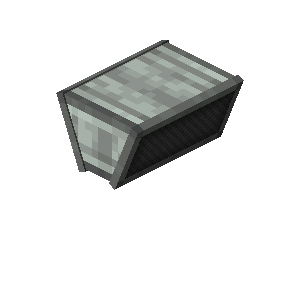
| Stackable | Yes (64) |
| Wrenchable | Yes |
| Copycat Block | Yes |
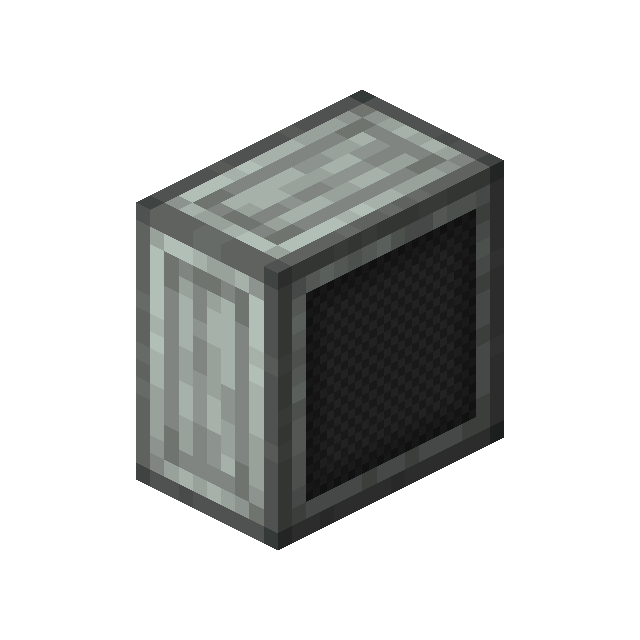
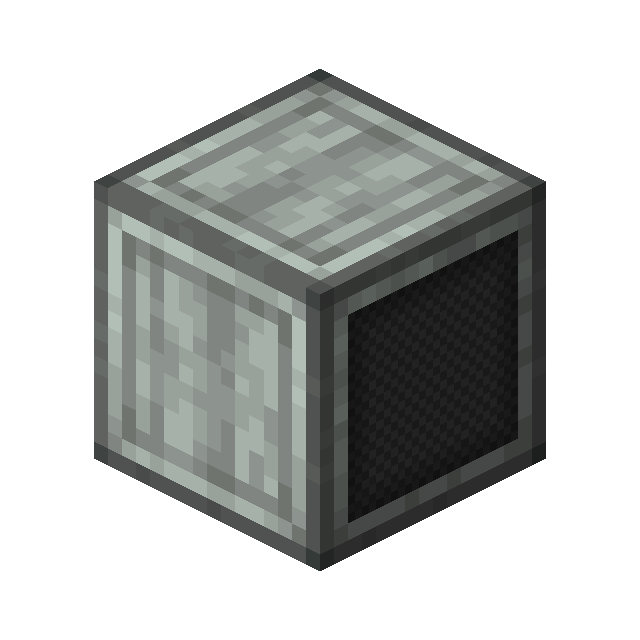
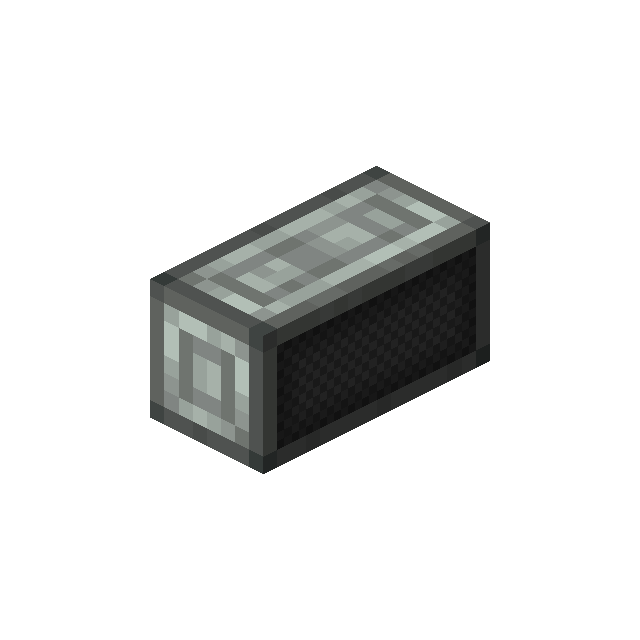
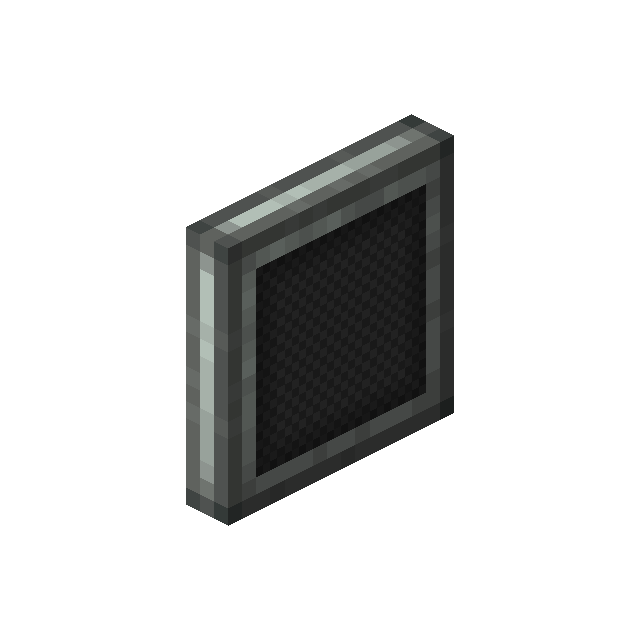
Advanced Displays are blocks that appear similar to monitors and can display data similar to a Display Board from Create.
Usage
Placed Advanced Displays of the same type will connect to each other horizontally and vertically (depending on the selected display variant) when forming a rectangle.
- Right-clicking with a Wrench opens a GUI allowing to configure the display.
- Right-clicking with a block applies it to all sides except the front side (similar to Copycats).
- Right-clicking with a Glow Ink Sac will make the text emissive (Make it glow).
- Shift + Right-clicking with a Wrench will remove the copycat block or destroy the display (if it was empty).
The "Double-sided" option toggles whether the content is displayed on both sides or only on the front.
More options are explained below.
Train Destination
Displays information about the train's next stations and final station.
This option is recommended for displays on the outside of a train to show to players information about where it comes from and where it is heading.
Passenger Information
Displays information about a trains next stops and optional statistics.
This option is recommended for displays inside a train.
Platform Display
Allows displaying info about an arriving/departing train such as the ingame time for when it will arrive/depart.
This option is recommended to be used at station platforms and requires data to be provided from a Display Link connected to a Station.
Glob Patterns supported
Glob Patterns can be used to include multiple stations. Some examples:
Station *: Include any Station starting withStationStation [1-3]: Include any Station with a name starting withStationfollowed by a number from 1 to 3.
Departure Board
Displays all trains that arrive at/depart from a specified station.
This option is recommended to be used as a general info board for arrivals and departures of trains at a station and requires data to be provided from a Display Link connected to a station.
Glob Patterns supported
Glob Patterns can be used to include multiple stations. Some examples:
Station *: Include any Station starting withStationStation [1-3]: Include any Station with a name starting withStationfollowed by a number from 1 to 3.
Static Text
Allows to display static text.
The provided text can either be a simple String or a supported json Text component format. The Rich Text option allows defining up to 50 separate text lines, each with own customization settings, like scaling, offset, etc.
Static text also supports placeholders to display dynamic data. See Placeholders for more information.
Other data sources
The Advanced Displays are also capable of displaying data from other sources, such as boiler status. Please note, however, that the format is very simple, and the information is presented as plain static text. The Advanced Displays are optimized and designed for trains and are not meant to be used for other purposes.
Options
Advanced Displays provide various options for their different display types.
Below are all options available. Unless stated otherwise are these options available for all display types.
Font Color/Background Color
Allows to set the Text and Background color to display.
Only the pre-made colors can be selected.
Carriage Index Offset
Allows to change the displayed carriage number on the Display.
The carriage number is calculated based on the "engine" carriage (The one at the station at time of assembly), with the offset being added to the carriage number.
When enabling Overwrite index will the set number be used as the actual carriage number.
This option is especially useful for setups, where certain carriages are trains or non-passanger carriages.
Show 'Do not board' text
When enabled, displays a Do not board message whenever the train reaches the final stop in its schedule, or the final Station before a new Schedule section while the current one has Include start of next section disabled.
This setting is ignored if the train is about to enter a non-navigable Schedule Section.
Show train line color
Sets whether the train line color, if any, should be displayed.
The train line color is configured through the global settings and applied through the Schedule Section option in a Train Schedule.
Train Name Width
Sets the max width that the displayed train name should have.
Should the text be larger than what is configured, will it start to scroll.
If no Train Line is configured for the Train, will its name be displayed and used instead.
Platform Width
Sets the max width that the displayed platform should have.
Any text beyond the max width will result in the text scrolling.
Stopovers Section Width
Sets the max width that the displayed stopovers should have.
Any text beyond the max width will result in the text scrolling.
Info Section Width
Sets the max width that any info about the train (i.e. delays) should have.
Any text beyond the max width will result in the text scrolling.
Time Display
Sets the time displayed for when the train arrives at the (next) station.
Available options:
ABS: Shows the ingame time the Train arrives at (default).ETA: Shows the time it takes for the train to arrive (i.e.1 min). The time is IRL and not ingame.
Show train stats
Sets whether Train statistics such as speed should be displayed.
When enabled, the train speed, current ingame day and carriage number will be displayed periodically.
Show exit direction
Sets whether the display should display possible exit directions.
The Direction will display as a left- or right-facing arrow whenever the display shows Next Stop: ...
Show next connections
Sets whether the display should display connections for the station it arrives at.
Displayed corrections will show the time of departure, line number/train name, target station and platform.
Show train multiple times
Sets whether the same train can be displayed multiple times in the next connections (i.e. when arriving from different sides).
This can be useful for stations, where the same train stops at the station frequently and fills up the display, hiding other trains that also stop there.
Train Text Component
Sets what text component should be displayed.
| Option | Description |
|---|---|
All |
Show both Train Name and Destination. |
Train Name only |
Default. Only display the Train name. |
Destination only |
Only display the Train's destination. |
Show time and date
Sets whether the current ingame time and number of ingame days since world creation should be displayed.
This is only displayed when Show train stats is enabled too.
Train Stop Display Type
Sets what kind of train stop should be displayed.
| Option | Description |
|---|---|
All |
Displays Arrivals and Departures. |
Arrivals only |
Only displays Arrivals. |
Arrivals preferred |
Prioritizes Arrivals, but falls back to showing Departures otherwise. |
Departures only |
Only displays Departures. |
Departures preferred |
Prioritizes Departures, but falls back to showing Arrivals otherwise. |
Displayed Text
Allows you to set the text that should be displayed on the Display.
The input field accepts normal text, but also Chat Components.
X/Y Position
Sets the X and Y position of the text.
The X offset is based on the current Text Alignment with Right alignment using the left side of the text as anchor point, while the Y offset uses the top of the Display Area as anchor point.
Text Alignment
Allows to set the text to either be on the left, center or right of the Display.
Minimum X Scale/X Scale/Y Scale
Sets the Minimum X scale and maximum X and Y scale for the text.
The text will be scaled as close as possible and if not possible, apply the configured Boundary Behaviour to the text.
Text Max Width
Sets the max width of the text. The text will be scaled as close as possible and if not possible, apply the configured Boundary Behaviour to the text.
Boundary Behaviour
Sets how text going beyond the Max text width should be handled.
| Option | Description |
|---|---|
Cut Off |
Cuts off any excess text. |
Scale/Scroll |
Scales the text as good as possible and otherwise makes it scroll. |
Always Scroll |
Makes the text scroll, no matter its actual width. |
Label Background Color
Sets the background color that should be used for the text. Custom colors using the Hex Code format are supported.
Activating Full Size will make the color fill the entire configured area of the text instead of just the text itself.
Obtaining
Crafting
| Ingredients | Crafting recipe |
|---|---|
| Andesite Alloy + Display Board + Sturdy Sheet |


 6

|
| Advanced Display Board + Zink Ingot |

|
| Advanced Display Board |
 4
|
| Advanced Display Board |
 8
|
| Advanced Display Block |
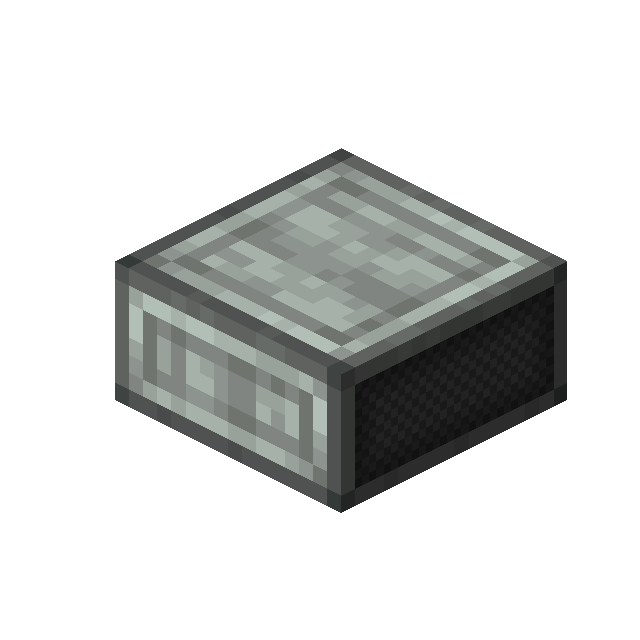 6
|
| Advanced Display Panel |
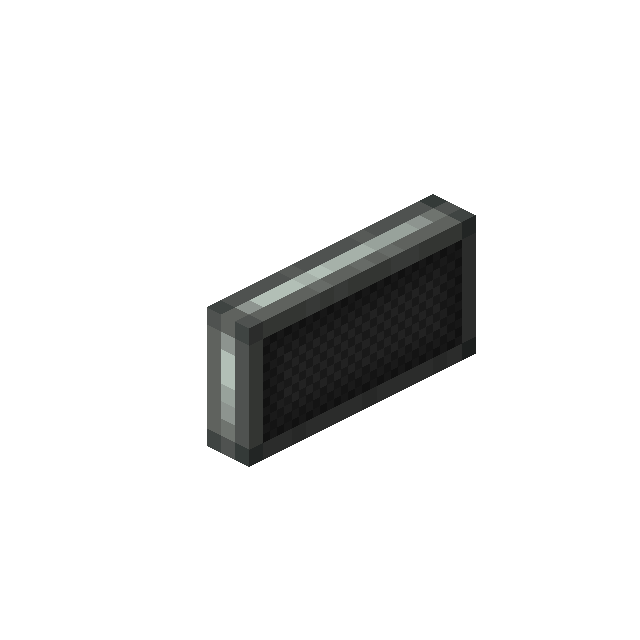 6
|
| Small Advanced Display |
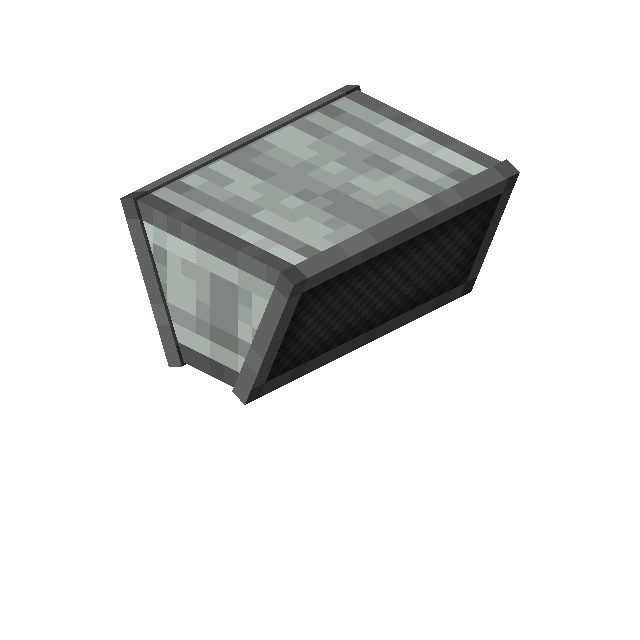 3
|
Advancements
| Icon | Advancement | In-game description | Actual requirements (if different) |
|---|---|---|---|

|
Not quite 4k | Upgrade your display boards to display more information and even place them in your train. | Have an Advanced Display Board in your inventory. |
History
| Version | Changes |
|---|---|
| 0.4.0-beta | Added Advanced Display Block |
| Added Advanced Display Board | |
| Added Advanced Display Panel | |
| Added Small Advanced Display | |
| 0.4.1-beta | Fixed Colors not applying to some Display types |
| Fixed some Displays showing the wrong Daytime | |
| Fixed Platform text being displayed despite there not being any platform defined | |
| 0.5.0-beta | Language of Displays and announcements can now be changed individually |
| Small Displays can now be placed in 9 different locations within a block, based on where you place it. | |
| Display Boards/Panels can now be placed in 3 different locations within a block, based on where you place it. | |
| Added Sloped Advanced Display | |
| Added option in display links to change displayed time from ingame time to ETA. | |
| Displays with 'Platform Display' and 'Informative' Settings now have a 4 block pixel gap between train name and destination. | |
| Automatic column width in Display Links is now displayed as 'Auto' instead of '-1'. | |
| Changed name of Advanced Display Boards. | |
| Fixed Platform not showing on Displays with 'Platform Display' and 'Simple' Settings. | |
| Fixed Displays always showing 'Out of service' text after being loaded. | |
| Fixed Displays with 'Passenger Information' and 'Informative' settings tending to render content out of bounds. | |
| 0.5.1-beta | Fixed Displays disconnecting when assembled. |
| Fixed time rendering out of bounds on a single Display with 'Passenger Information' and 'Informative' setting. | |
| 0.5.2-beta | Fixed incorrect placement when clicking the block behind it. |
| Fixed rare crashes due to Displays trying to query missing data. | |
| 0.5.3-beta | Added Half Advanced Display Panel |
| Added new text for Displays that are placed on trains and out of service. | |
| 'Out of service' no longer shows CRN. | |
| Placing a Display on another now copies its properties. | |
| Fixed 'Out of service' not being translated like other text in Displays. | |
| Fixed Displays that aren't connected still copying properites of neighbouring Displays. | |
| 0.5.4-beta | Fixed Crash when using Advanced Displays on other Contraptions. |
| Fixed incorrect text position on the back of Advanced Displays with the exit direction. | |
| Fixed Advanced Displays placed by a schematic showing black text. | |
| 0.6.0-beta | Added reasons for Delays on Displays and in the navigator |
| Added Advanced Display Slab | |
| The informative display variant of the Passenger Information now shows real-time data as well as details about the train journey (e.g. speed). | |
| Displays at a terminus now display that this train ends here. | |
| The layout of the 'Platform Displays', 'Informative' is now mirrored on the back so that the platform text is on the same side of the block. | |
| Displays are no longer divided into 'simple', 'detailed' and 'informative', but by category (Train/Platform) and then all the different display variants. | |
| Fixed exit direction on the back of a display being displayed incorrectly. | |
| Removed Table display layout of 'Platform Display' and 'Informative' when using wildcards (Will be added back in the future). | |
| 0.7.0-beta | Re-added departure board display. |
| Added numerous new settings, including background color, copy-pasting settings, hiding certain info (e.g. Train name) and disabling arrivals of trains. | |
| Background color can be changed by shift-right-clicking the display. | |
| The Platform is now always visible on the Platform, Focus Displays when only one platform should be displayed. | |
| Fixed clock time also being shown as ETA on Advanced Displays. | |
| Fixed Displays showing the train name instead of the Train Line. | |
| 0.7.1-beta | Fixed Crash when the display type is changed in multiplayer by another player. |
| Fixed time unit being inserted at the wrong location in the text on one display variant. | |
| 0.7.2-beta | Fixed crash when placing Advanced Displays with the schematic cannon. |
| Fixed crash when different displays connect and Embeddium is installed. | |
| Fixed the platform sometimes not being visible on the deparure board. | |
| Fixed stopovers not using the entire display space. | |
| Fixed departure time being black on departure boards when the display is 4 blocks wide. | |
| Fixed Platform Focus display not updating properly when no train is displayed. | |
| Fixed Displays showing the entire schedule in rare cases. | |
| 0.8.0-beta | Added Displays always showing trains with wildcards. |
| Added Displays being able to show platform changes. | |
| Added Static text Display Type. | |
| Fixed Displays showing arrival time while the train is already waiting at a Train Station. | |
| Fixed Displays showing the Station name instead of the Station tag. | |
| Fixed Schedule Board showing the wrong station from which the train came. | |
| Fixed Schedule section of arrivals always being the first section in Train schedule on Schedule Board. | |
| Fixed Schedule Board sometimes showing the wrong Train Line. | |
| Fixed Train Text Components settings of Advanced Displays not being copied. | |
| 0.8.2-beta | Displays can now display data from other sources |
| New text is shown on Displays when a train is at the terminus (e.g. 'Do not board', 'This train terminates here'). | |
| The 'Time: ' prefix now disappears when the display is too small. | |
| Displays now automatically change their type when a Display link is connected (Can be disabled in the config). | |
| Fixed static text parsing being incorrect in some cases (i.e. time placeholder only showing hours). | |
| Fixed Focus Platform Displays showing the wrong platform on platform changes. | |
| Fixed Line texture on passenger information displays with schedule overlapping with the time string. | |
| Fixed Train Line colors not being usable on Train Destination and Passenger Information Displays. | |
| Fixed displays showing the wrong destination. | |
| Fixed Train Displays showing nothing in some sections. | |
| Fixed Train Displays sometimes flicker between an empty schedule and 'Out of service'. | |
| Fixed Text placement being off in some cases on Passenger Information Displays. | |
| Fixed Departure boards only displaying information at the bottom when the first train of the list has some information. | |
| Fixed Crash if a canceled train should be displayed on a platform table display. | |
| Fixed arrivals not displaying correctly on Displays if the previous schedule Section has include start of next section activated. | |
| Fixed scrolling text platform displays showing trains that end at that station and then continue into a deactivated section. | |
| Fixed detailed train Destination displays showing the wrong origin or the wrong destination. | |
| Fixed displays not reliably changing to 'Out of service' while a train is moving into a deactivated schedule section. | |
| Fixed trains stopping at blacklisted stations still showing on Displays. | |
| Fixed content of Advanced Displays not being rendered when the upper left corner is outside the camera view (1.21). | |
| 0.8.4-beta | Displays can now be edited directly on trains without having to disassemble them. |
| Added new setting to deactivate 'Do not board' Text on Train displays. | |
| Added new setting to deactivate the time label on Platform table Displays. | |
| Added config option to change refresh rate of Advanced Displays. | |
| Displays now update faster (Every 50 ticks). | |
| Fixed heading label in Passenger Displays with schedule being too narrow. | |
| Fixed Train names extending beyond the border of some Displays. | |
| Fixed no target station being displayed if the train is between the last and first station of its schedule, and there is only one Schedule Section with 'Include Start of Next Section' being activated. | |
| 0.8.5-beta | Allow simple text as display targets for external display links data. |
| Fixed issues with Advanced Displays and external display link data. | |
| 0.9.0-alpha | Fixed Fonts getting corrupted when reloading resources while Advanced Displays are visible on the screen. |
| Fixed content may render out of bounds. | |
| Fixed some text components overlapping. | |
| 0.9.0-alpha+2 | Displays now act as Copycat blocks (Except for the sloped variant). |
| Added new Options to set whether displays should show only arrivals, departures, or both. | |
| Added new Option to display a train multiple times on a display. | |
| Fixed displays spamming data errors in console about a value not being present. | |
| Fixed display text flickering. | |
| Fixed Platform Focus Displays showing the wrong platform if wildcards are used in the display link and a train changes the platform. | |
| Fixed Platform Focus Displays showing wrong arrival times. | |
| Fixed Advanced Display Panels not being placeable in the center of a Block | |
| Fixed Display settings not being saved when edited on a contraption. | |
| Fixed Train carriage index being cut off on some displays. | |
| Fixed Passenger information and Train destination displays showing the wrong destination while waiting at the terminus. | |
| Fixed Buttons of Advanced Displays settings screens being unusable. | |
| Trains on the displays are now sorted by their real departure time. | |
| Displays no longer automatically change their type to avoid confusion. | |
| 0.9.1-beta | Added options to prevent scale and position reset on display link updates. |
| Fixed crash when rich text is rendered and updated simultaneously. | |
| 0.10.0-beta | Trains no longer disappear from the displays when derailed or their schedule is stopped. They are shown as cancelled or out of service instead. |
| Displays can now be placed by schematic cannons. | |
| Fixed text on displays getting invisible. | |
| Fixed errors in console when loading Train Displays. | |
| Fixed wrong platform on focus displays when the platform of a train has changed. | |
| Fixed wrong order of entries on the displays. | |
| Fixed delay reason being shown as soon as they exist, even if the train isn't delayed. | |
| Fixed exit direction not being displayed sometimes. |