Traffic Light Linker
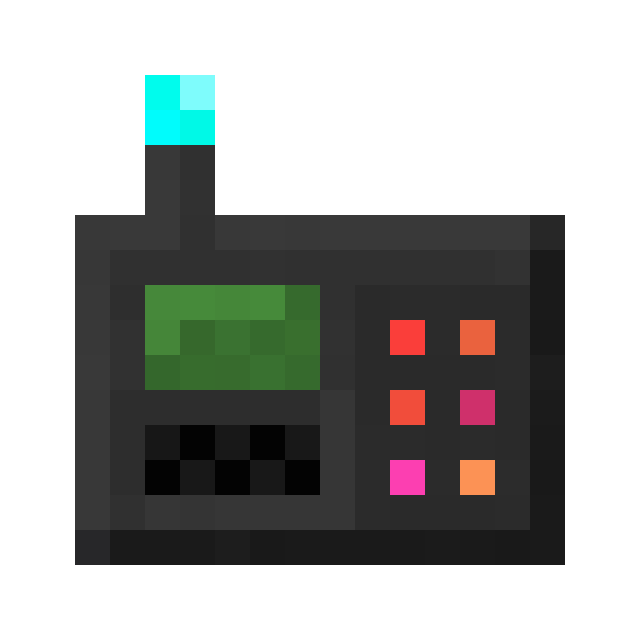
The Traffic Light Linker is an item that is used to link one or multiple Traffic Lights and Traffic Light Request Buttons to a Traffic Light Controller.
Usage
By holding the sneak button (Shift by default) and using the scroll wheel, you can toggle between Link and Unlink Mode.
In Link Mode can you connect one or multiple Target Blocks to a Source Block, while in Unlink Mode, you can remove the connections.
Right-clicking while sneaking removes any currently configured source block.
Valid Source Blocks are:
- Traffic Light
- Traffic Light Controller
while valid target Blocks are:
- Traffic Light (Only when the Source is a Traffic Light Controller)
- Traffic Light Request Button
Important
It is important that you click the Traffic Light Controller first before clicking on a Traffic Light to connect them.
Clicking the Traffic Light followed by the Traffic Light Controller won't work.
Obtaining
Crafting
| Ingredients | Crafting recipe |
|---|---|
| Copper Ingot + Glass Pane + Gold Nugget + Iron Plate + Redstone Torch + Repeater |







|
Advancements
| Icon | Advancement | In-game description | Actual requirements (if different) |
|---|---|---|---|

|
A Link Between Blocks | Link a traffic light to a traffic light controller using a traffic light linker. |