Signs
Traffic Sign, Town Sign, Street Sign and House Number Sign redirect to here.
This page covers the Traffic Sign, Town Sign, Street Sign and House Number Sign available in TrafficCraft.
Usage
Traffic Sign
The Traffic Sign can be right-clicked with a Pattern Catalogue to apply its currently selected Traffic Sign Pattern.
Any new right-click with a Pattern Catalogue replaces the currently displayed Pattern on the sign.
Town Sign
Right-clicking a Town Sign with a Wrench will open a GUI not unlike a Sign GUI. It allows 4 lines of text to be written, with the second one being larger in height than the others.
Street Sign
The Street Sign can only be attached to a Traffic Sign Post and when right-clicked with a Wrench, allows to add text to display.
Right-clicking it with a Paint Brush containing color will apply the color to the sign.
House Number Sign
The House Number sign can only be placed on the side of a block. Right-clicking it with a Wrench opens a GUI allowing you to enter text.
Right-clicking it with a Paint Brush containing color will apply the color to the sign.
Obtaining
Crafting
| Ingredients | Crafting recipe |
|---|---|
| Iron Plate + Traffic Sign Post |


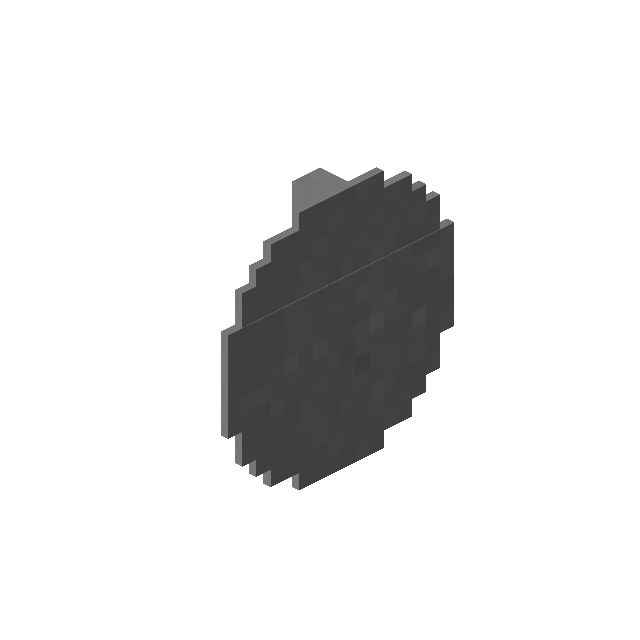 3

|
| Traffic Sign |
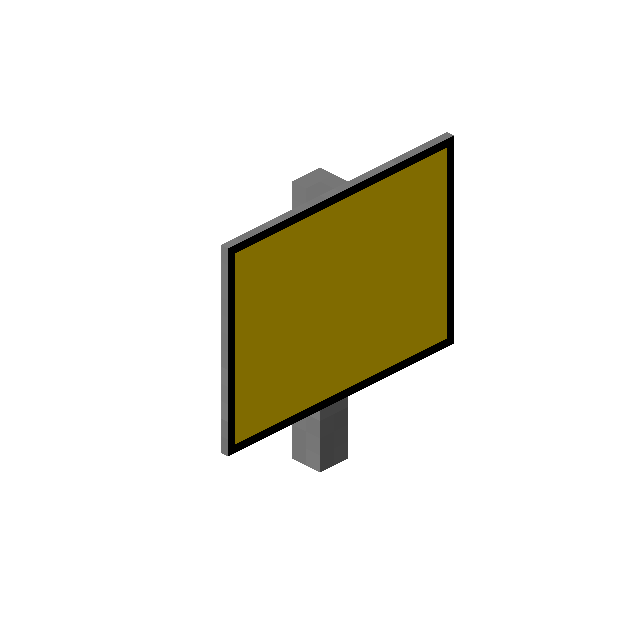

|
| Iron Nugget + Nether Quartz |

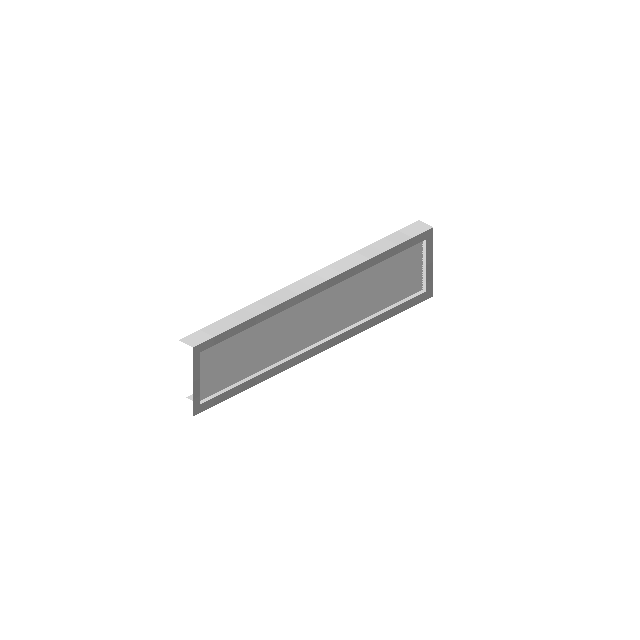 4
|
| Iron Nugget + Nether Quartz |

|
Advancements
| Icon | Advancement | In-game description | Actual requirements (if different) |
|---|---|---|---|

|
This must be a sign! | Craft a traffic sign. | Have a traffic sign in your inventory. |
|
|
<Enter Name Here> | Place a street name sign and write the name of your road on it. | Place a Street Sign. |
|
|
I'm from... | Place a town sign to show in which town you live. | Place a Town Sign. |